
Make the most of the machine you have.
Practical hardware reviews and guides for the desk, the home network and the small server in the closet.
Check a sample workload ↗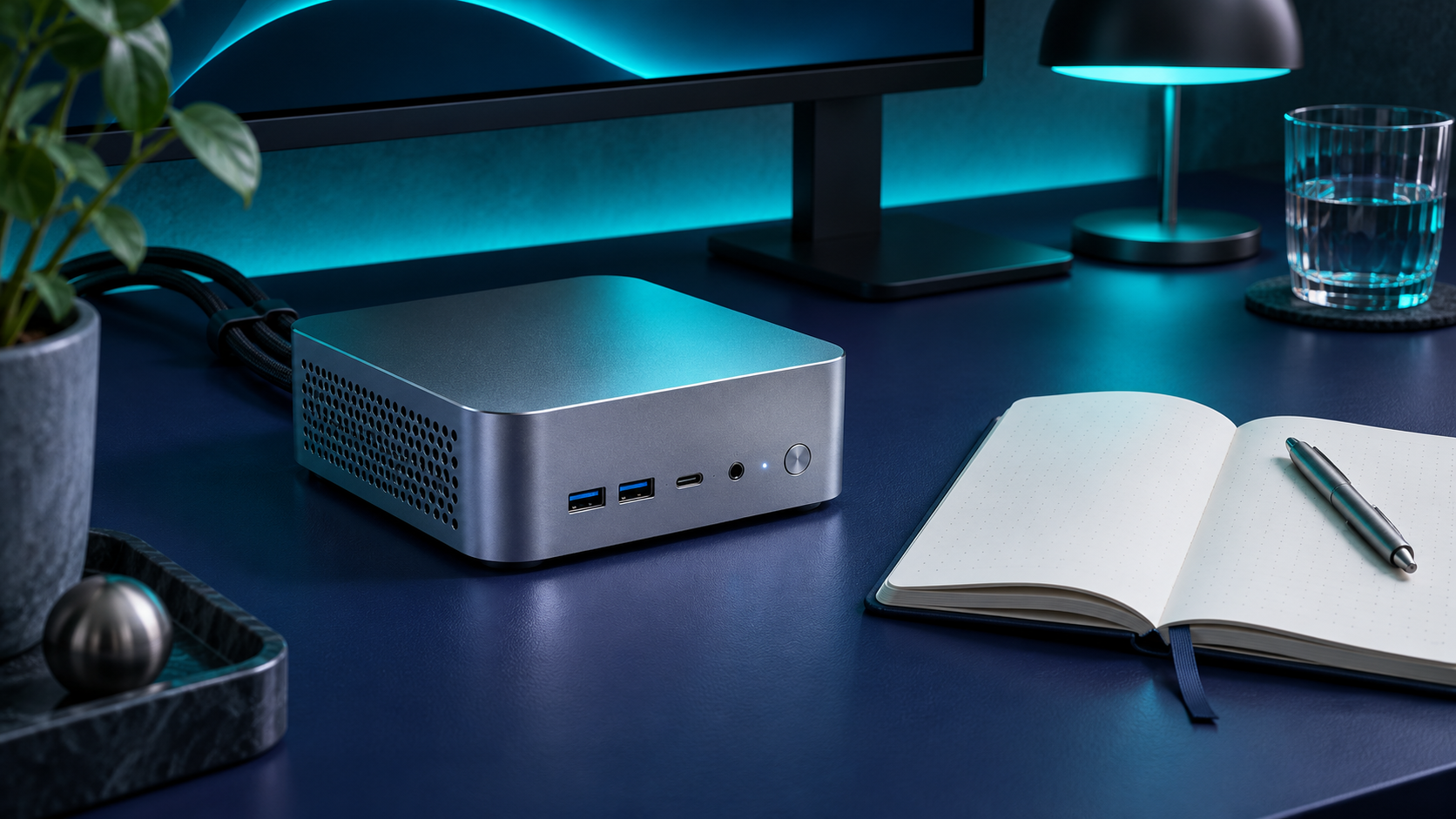
A small PC for a quiet desk
Our fictional Slate M2 review focuses on the ordinary tasks that matter most in a shared workspace. Its compact chassis leaves room behind a monitor, and its front ports make it easy to attach a temporary drive without reaching around back.
Read the review notes
Allow space around the exhaust if you mount a compact PC beneath a desk. Before choosing a configuration, check whether RAM and storage are replaceable and whether the display output supports the resolution and refresh rate you need.
Make maintenance predictable.
Prepare for a firmware update
Confirm the exact device model and use its manufacturer’s instructions. Schedule downtime and export settings if the device provides that option. After the update, verify that the device reconnects and that the features you rely on still work.
Compare local tools with cloud computing
When evaluating an open source desktop tool against a hosted service, list what must work offline and who maintains backups. Try exporting a sample project before committing to a workflow so you know how to move it later.
Compare RAM and storage with a sample profile.
Choose a workload, then enter your installed memory and free disk space. The checker uses illustrative planning thresholds. Verify your software’s actual requirements, including CPU and graphics, before buying hardware.
Test around real work.
Signal Bench is a fictional publication. We organize reviews around the tasks that a device will spend most of its time doing, from running an external monitor to staying quiet during calls.
Bring the details.
Tell us the device model, what you expected to happen and what actually happened. Include the version number if you know it.
Contact the support desk ↗